
Download Intel Unison – PC to phone, file transfer, seamless communication, productivity tool, Intel EVO, mobile integration
Overview
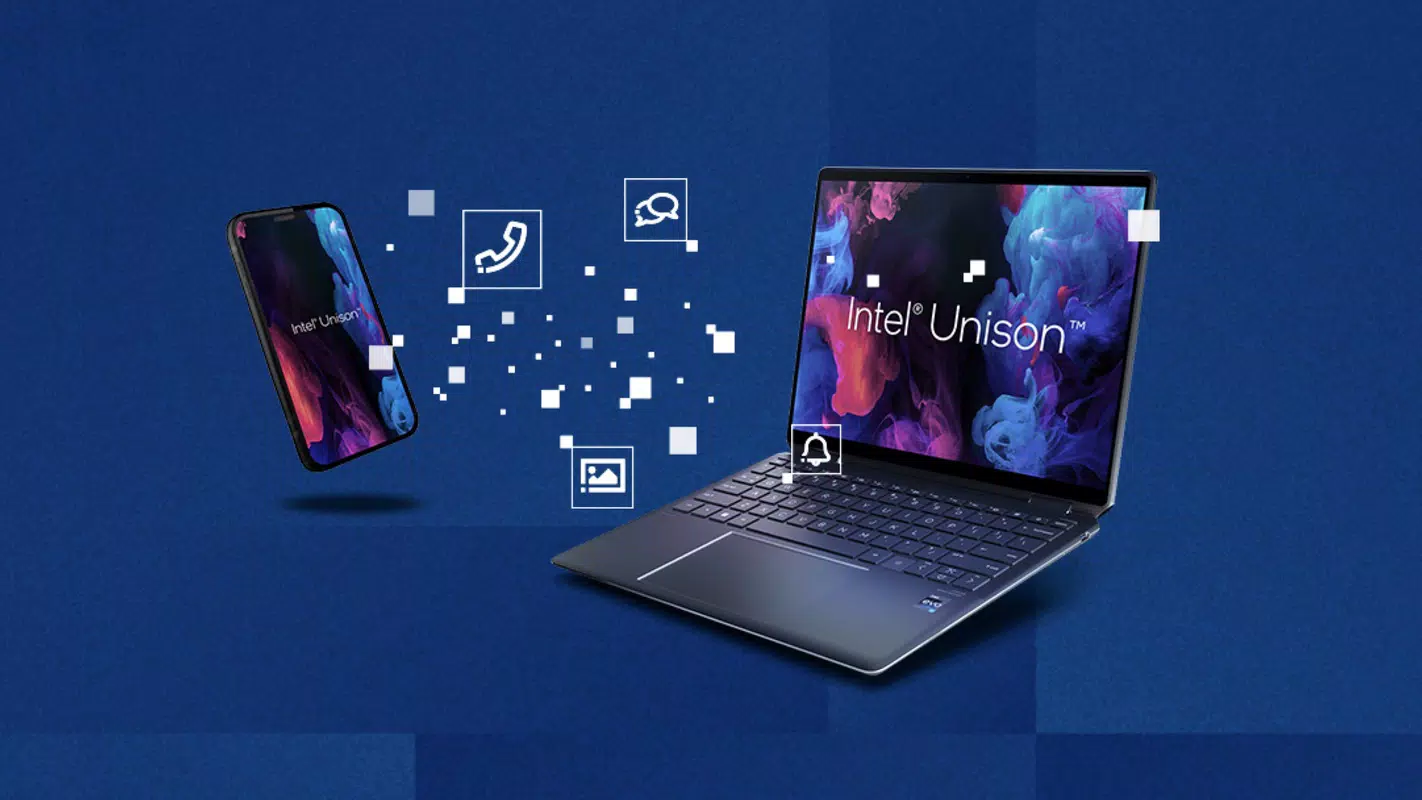
Intel Unison is a productivity-focused mobile application developed by Intel, designed to bridge the gap between desktop and mobile environments. The app enables seamless integration between a Windows PC and an Android smartphone, offering users a unified experience across devices. Its primary purpose is to streamline workflows by allowing effortless file transfers, centralized control of smartphone functions, and simplified communication directly from the computer. This tool is especially valuable for professionals, students, and tech-savvy individuals who rely on both a PC and a smartphone daily.
The app addresses common pain points such as fragmented workflows, the need to constantly switch between devices, and inefficient file sharing. By syncing key functions—like messaging, calling, and file access—Intel Unison reduces digital friction and enhances efficiency. Real-world use cases include transferring project files from a laptop to a phone during commutes, responding to urgent messages without picking up a smartphone, or viewing photos stored on a mobile device directly on a larger screen.
As a product from Intel, the app aligns with the company’s broader ecosystem strategy, particularly targeting users with Intel EVO generation processors. This focus on hardware-software synergy ensures optimized performance and reliability. Although the developer did not provide additional technical details, the app’s integration with Intel’s hardware platform suggests a commitment to seamless, low-latency connectivity. In the evolving mobile integration landscape, Intel Unison positions itself as a dedicated utility for users seeking deeper device synchronization.
Key Features & Functionality
- Effortless File Transfer – Users can move files, photos, and videos between their PC and Android device with minimal effort. This feature is ideal for transferring work documents, personal media, or backup files without relying on cloud services or USB cables.
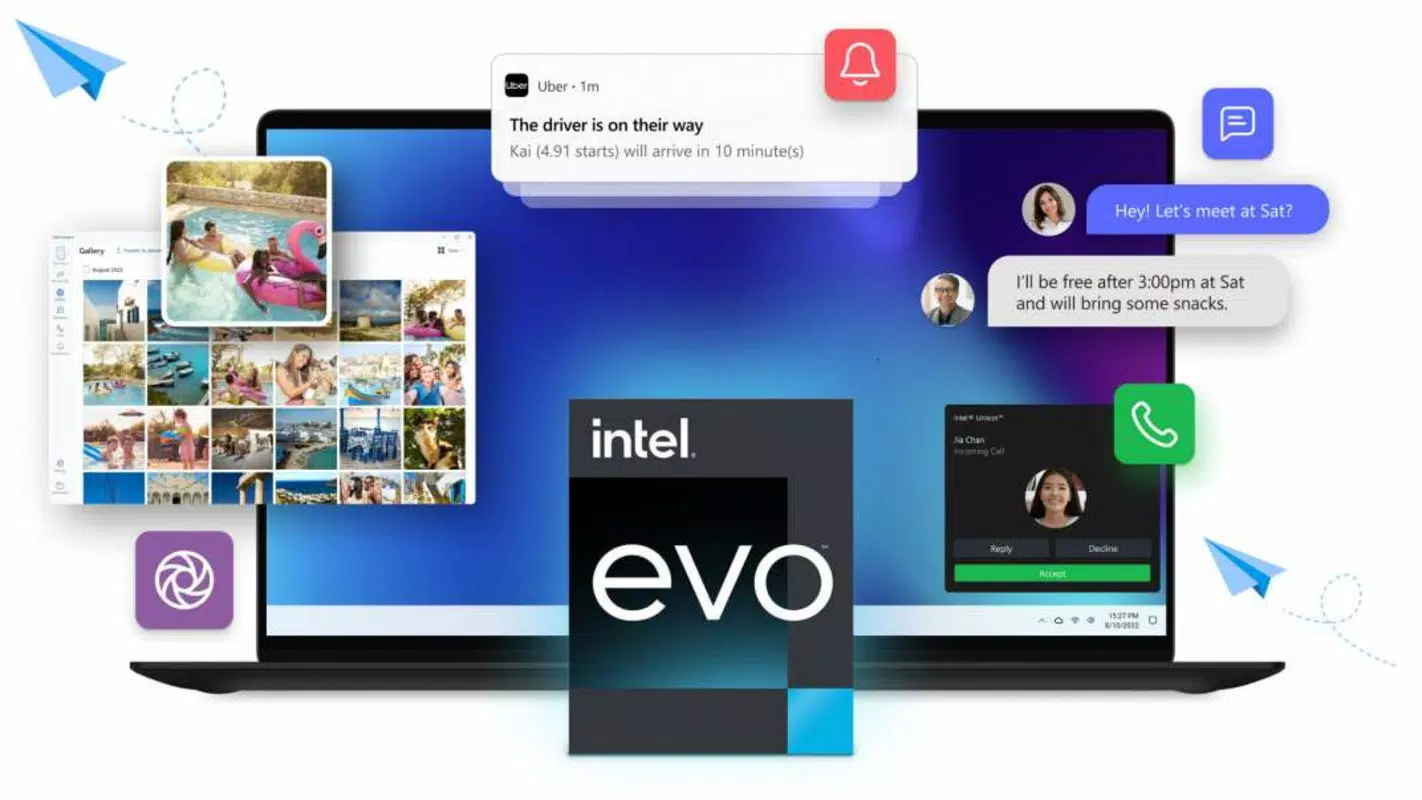
- Seamless Communication – Intel Unison allows users to send and receive text messages and make calls directly from their PC. This eliminates the need to switch between devices during conversations, improving multitasking efficiency.
- Centralized Smartphone Control – From the PC interface, users can manage smartphone notifications, access app shortcuts, and adjust settings. This centralized control enhances convenience, particularly for users managing multiple devices.
- Address Book Sync – The app synchronizes the smartphone’s contact list with the PC, enabling quick access to contacts and faster communication initiation.
- Intuitive Interface – Designed for accessibility, the interface supports users of all technical skill levels, minimizing the learning curve and maximizing usability.
For example, a remote worker could respond to a client’s message from their laptop while working on a presentation, or a parent could view a child’s school photos on a desktop after receiving them via text. These use cases demonstrate how Intel Unison transforms routine digital interactions into smoother, more integrated experiences.
Interface, UX & Performance
Intel Unison features a clean, modern interface that emphasizes clarity and functionality. The layout is logically organized, with clearly labeled sections for messages, file transfers, and device controls. Navigation is intuitive, allowing users to switch between functions with minimal clicks. Visual design elements are consistent and uncluttered, supporting a professional yet approachable aesthetic.
Although the developer did not list formal performance metrics, the app appears to be optimized for responsiveness and stability, particularly on devices equipped with Intel EVO generation processors. Users can expect smooth transitions between features, with minimal lag during file transfers or message exchanges. The app maintains stability during extended use, though specific testing across device categories was not disclosed.
Performance may vary depending on network conditions and hardware configuration. However, the integration with Intel’s hardware ecosystem suggests that the app is engineered to operate efficiently within supported environments. Users are advised to ensure both devices are connected to the same network for optimal results.
Platform Compatibility & Technical Requirements
Intel Unison is available on both Android and Windows platforms, making it accessible to users across major operating systems. The current version is 1.0.0, with a file size of 45.2 MB, indicating a lightweight footprint suitable for most modern devices.
Compatibility is contingent on the PC being equipped with an Intel EVO generation processor. This hardware requirement ensures that the app can leverage advanced connectivity features such as low-latency Bluetooth and Wi-Fi 6 support. The developer did not specify minimum OS versions or other technical prerequisites, so users are encouraged to verify compatibility with their device specifications.
While the app is free to download and install, the full functionality is limited to devices meeting the Intel EVO requirement. This targeted compatibility ensures a consistent user experience but may restrict access for users with older or non-Intel hardware.
Pros and Cons
Pros
- Effortless file transfer between PC and Android smartphone
- Seamless messaging and calling from desktop
- Centralized control of smartphone functions
- Intuitive interface suitable for all user levels
- Optimized for Intel EVO generation processors
Cons
- Requires Intel EVO generation processor for full functionality
- Compatibility information was not fully disclosed
- Limited to Android and Windows platforms
- Specific performance metrics were not provided
- May not support older or non-Intel devices
FAQ
Is Intel Unison free to use?
Yes, Intel Unison is available at no cost. The app can be downloaded and installed without any payment or subscription fees.
What devices are compatible with Intel Unison?
Intel Unison requires a Windows PC with an Intel EVO generation processor and an Android smartphone. Compatibility with other hardware configurations was not specified by the developer.
Can I use Intel Unison without an Intel EVO processor?
While the app may install on non-Intel EVO devices, full functionality is designed for systems with Intel EVO processors. Users are advised to verify hardware compatibility before installation.
Does Intel Unison work over Wi-Fi or Bluetooth?
The app uses both Wi-Fi and Bluetooth for device synchronization. A stable network connection is recommended for optimal performance.
How do I update Intel Unison?
Updates are typically delivered through the respective app store (Google Play or Microsoft Store). Users should ensure their app is set to auto-update or check for updates manually.
Final Thoughts
Intel Unison stands out as a purpose-built tool for users seeking deeper integration between their PC and Android device. Its focus on productivity, file transfer, and seamless communication makes it a valuable addition to any workflow that involves both platforms. The app’s intuitive design and hardware-specific optimization reflect a thoughtful approach to user experience and performance.
While its reliance on Intel EVO processors limits accessibility, it ensures a high-quality, reliable experience for eligible users. For professionals, students, and power users who value efficiency and device harmony, Intel Unison delivers tangible benefits. The app fills a niche in the mobile integration space by offering a streamlined, secure, and efficient way to manage digital tasks across devices.
Download Intel Unison now


